-
Ⓘⓝⓣⓡⓞⓓⓤⓒⓣⓘⓞⓝ
The basic parts of a desktop computer are the computer case, monitor, keyboard, mouse, and power cord. Each part plays an important role whenever you use a computer.
-
Computer
A computer is a machine that can be programmed to carry out sequences of arithmetic or logical operations automatically. Modern computers can perform generic sets of operations known as programs. These programs enable computers to perform a wide range of tasks. A computer system is a “complete” computer that includes the hardware, operating system (main software), and peripheral equipment needed and used for “full” operation. This term may also refer to a group of computers that are linked and function together, such as a computer network or computer cluster.
Man replacing one vacuum tube out of hundreds in early computer
Computer room with multiple computer cabinets and operating panel
Smartphone with rainbow-like display held in a hand
Black desktop computer with monitor on top and keyboard in front
Purple video game console with attached controller
Rows of large, dark computer cabinets in warehouse-like room
Computers and computing devices from different eras – clockwise from top left:
Early vacuum tube computer (ENIAC)
Mainframe computer (IBM System 360)
Desktop computer (IBM ThinkCentre S50 with monitor)
Supercomputer (IBM Summit)
Video game console (Nintendo GameCube)
Smartphone (LYF Water 2)
A broad range of industrial and consumer products use computers as control systems. Simple special-purpose devices like microwave ovens and remote controls are included, as are factory devices like industrial robots and computer-aided design, as well as general-purpose devices like personal computers and mobile devices like smartphones. Computers power the Internet, which links hundreds of millions of other computers and users.
Early computers were meant to be used only for calculations. Simple manual instruments like the abacus have aided people in doing calculations since ancient times. Early in the Industrial Revolution, some mechanical devices were built to automate long tedious tasks, such as guiding patterns for looms. More sophisticated electrical machines did specialized analog calculations in the early 20th century. The first digital electronic calculating machines were developed during World War II. The first semiconductor transistors in the late 1940s were followed by the silicon-based MOSFET (MOS transistor) and monolithic integrated circuit (IC) chip technologies in the late 1950s, leading to the microprocessor and the microcomputer revolution in the 1970s. The speed, power and versatility of computers have been increasing dramatically ever since then, with transistor counts increasing at a rapid pace (as predicted by Moore’s law), leading to the Digital Revolution during the late 20th to early 21st centuries.
Conventionally, a modern computer consists of at least one processing element, typically a central processing unit (CPU) in the form of a microprocessor, along with some type of computer memory, typically semiconductor memory chips. The processing element carries out arithmetic and logical operations, and a sequencing and control unit can change the order of operations in response to stored information. Peripheral devices include input devices (keyboards, mice, joystick, etc.), output devices (monitor screens, printers, etc.), and input/output devices that perform both functions (e.g., the 2000s-era touchscreen). Peripheral devices allow information to be retrieved from an external source and they enable the result of operations to be saved and retrieved. -
Computer full form
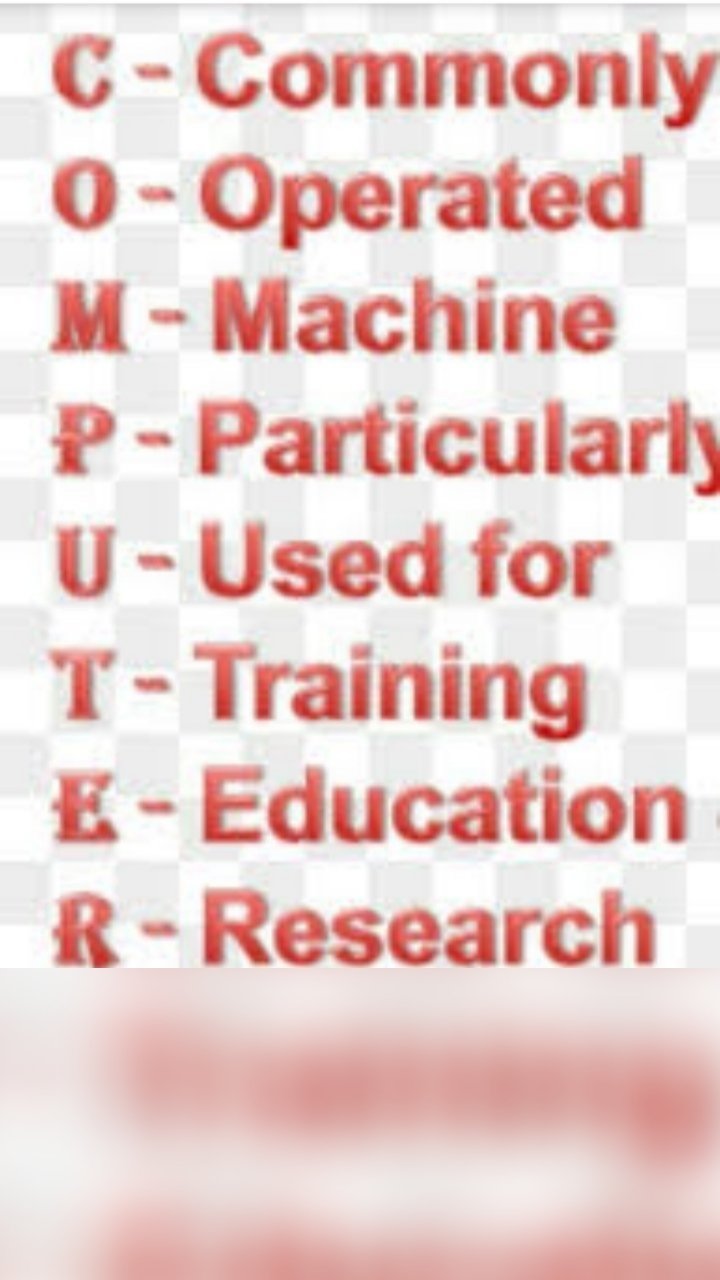
COMPUTER Common Operating Machine Purposely Used for Technological and Educational Research
2 ROM Read Only Memory
3 CPU Central Processing Unit
4 URL Uniform Resource Locator
5 USB Universal Serial Bus
6 VIRUS Vital Information Resource Under Siege
7 TCP Transmission Control Protocol
8 UPS Uninterruptible Power Supply
9 SATA Serial Advanced Technology Attachment
10 RAM Random Access Memory
11 SMPS Switched-Mode Power Supply
12 CD Compact Disc
13 DVD Digital Versatile Disc
14 CRT Cathode Ray Tube
15 DEC Digital Equipment Corporation
16 SAP System Application and Products
17 PNG Portable Network Graphics
18 IP Internet Protocol
19 GIS Geographical Information system
20 DDS Digital Data Storage
21 CAD Computer Aided Design
22 ACPI Advanced Configuration and Power Interface
23 AGP Accelerated Graphics Port
24 APM Advanced Power Management
25 APIPA Automatic Private Internet Protocol Addressing
26 HTTP Hyper Text Transfer Protocol
27 HTTPS Hyper Text Transfer Protocol Secure
28 GPU Graphics Processing Unit
29 GDI Graphics Device Interface
30 ICP Internet Cache Protocol
31 GIGO Garbage In Garbage Out
32 GMAIL Graphical Mail
33 CAN Campus Area Network
34 CAL Computer Aided Leering
35 GPL General Public License
36 GCR Group Code Recording
37 MSN Microsoft Networks
38 BCC Blind Carbon Copy
39 VDI Virtual Desktop Infrastructure
40 MPEG Moving Picture Experts Group
41 TPU Tensor Processing Unit
42 PSD Photoshop Document
43 DPI Dots Per Inch
44 FYA For Your Action
45 CRS Computer Reservation System
46 BFD Binary File Descriptor
47 ABR Available Bit Rate
48 GBPS Gigabits Per Second
49 PING Packet InterNet Groper
50 CSMA Carrier Sense Multiple Access
51 AD Active Directory
52 ADC Analog to Digital Converter
53 BGP Border Gateway Protocol
54 CSI Common System Interface
55 DHCP Dynamic Host Configuration Protocol
56 OSI Open Systems Interconnection
57 LAN Local Area Network
58 WAN Wide Area Network
59 MAN Metropolitan Area Network
60 PAN Personal Area Network
61 MAC Media Access Control
62 OMR Optical Mark Recognition
63 NIC Network Interface Card
64 LDAP Lightweight Directory Access Protocol
65 UART Universal Asynchronous Receiver-Transmitter
66 DCE Distributed Computing Environment
67 PFA Please Find Attached
68 HCI Human Computer Interaction
69 FHS Filesystem Hierarchy Standard
70 FCS Frame Check Sequence
71 DVE Digital Video Effects
72 DLL Data Link Layer
73 CSV Comma Separated Values
74 CTCP Client–to–Client Protocol
75 ABI Application Binary Interface
76 MIS Management Information System
77 BIOS Basic Input Output System
78 SMTP Simple Mail Transfer Protocol
79 LTE Long Term Evolution
80 AHA Accelerated Hub Architecture
81 ALU Arithmetic Logical Unit
82 FPU Floating Point Unit
83 FXP File Exchange Protocol
84 HID Human Interface Device
85 IOS iPhone Operating System
86 PATA Parallel Advanced Technology Attachment
87 DDR Double Data Rate
88 DFS Distributed File System
89 MIPS Million Instructions Per Second
90 MMC Microsoft Management Console
91 VGCT Video Graphics Character Table
92 WBMP Wireless BitMap Image
93 PCM Pulse-Code Modulation
94 WMA Windows Media Audio
95 RAS Remote Access Service
96 HTM Hierarchical Temporal Memory
97 SIS Security and Intelligence Services
98 LBA Logical Block Addressing
99 CIDR Classless Inter-Domain Routing
100 MIMO Multiple-Input Multiple Output -
Some thing about computer
HomeFull_FormMost Important Computer Related Full Form – You Should Know
Most Important Computer Related Full Form – You Should Know
Online Study LibraryApril 06, 2019
Compute is very essential in our life and nowadays basically everyone is using a computer for various purposes. When we talk with other people related to the computer at that time we use many computers related words. There are so many people who can use the computer very well but they don’t know the computer every part and their full form( eg CPU, UPS, SATA, RAM, ROM, AGP). so, Now we will discuss Computers related every term and their full form.
Computer Related Full Form
Recommended :- List of Computer Programming Language.
If you can remember below all those computer-related words full form, we hope you will not face any problem in the future if anyone discusses computer-related words with you. so, Let’s see. -
What is computer?
COMPUTER Full Form: Common Operating Machine Purposely used for Technological and Educational research. COMPUTER full form or meaning is Common Operating Machine Purposely used for Technological and Educational research.
-
woman using silver laptop
-
Computerer. Com
In this website we learn what is computer, how it is work, And some computer full forms and meaning we can go to this website and see some computer teach things
Thanks 🙏🙏for visit in this website
Developer- Ankit kumar pandey
-
Untitled

-
Subscribe
Subscribed
Already have a WordPress.com account? Log in now.
 computerer.com